Everything a First-Time Buyer Needs to Know Before Spending a Penny
Buying your first gaming PC is one of those decisions that feels straightforward until you actually start researching. Then you discover a wall of acronyms, conflicting specifications, benchmark charts, and heated forum debates about which components are worth paying for and which are marketing noise. It is easy to either overspend on things that will not meaningfully improve your experience, or underspend in exactly the wrong area and feel the consequences every time you launch a demanding game.
This gaming pc buying guide is written for the person who is approaching this topic for the first time — someone who knows they want a better gaming experience than their current setup provides, but is not yet fluent in the language of hardware specifications. We will work through the important components one by one, explain what each one actually does for gaming performance, and give you a framework for making a decision that suits your budget and the games you want to play.
What Separates a Gaming Machine from an Everyday Computer
Before getting into individual parts, it helps to understand what is a gaming computers category is actually describing — and how it differs from a standard office or productivity machine.
A regular desktop or laptop is built to handle tasks like web browsing, document editing, spreadsheets, and video calls. These tasks are not particularly demanding on the hardware. The processing requirements are modest, the graphics needs are minimal, and the system can get away with integrated graphics, mid-range processors, and limited memory.
Gaming places fundamentally different demands on hardware. A modern game renders hundreds of thousands of polygons per frame, applies lighting and shadow calculations across the entire scene, processes physics simulations, handles AI routines, and does all of this dozens of times per second — at a consistent frame rate that keeps the experience smooth and responsive. That requires a powerful dedicated graphics card, a capable processor, fast memory, and storage that can load large game assets quickly. It also generates significant heat, which means cooling matters far more in a gaming system than in an office machine.
None of this means a gaming PC needs to be enormously expensive. It means the budget needs to be allocated differently — with priority given to the components that actually drive gaming performance, rather than the ones that matter for general computing.
The Processor — Pace-Setter for Everything Else
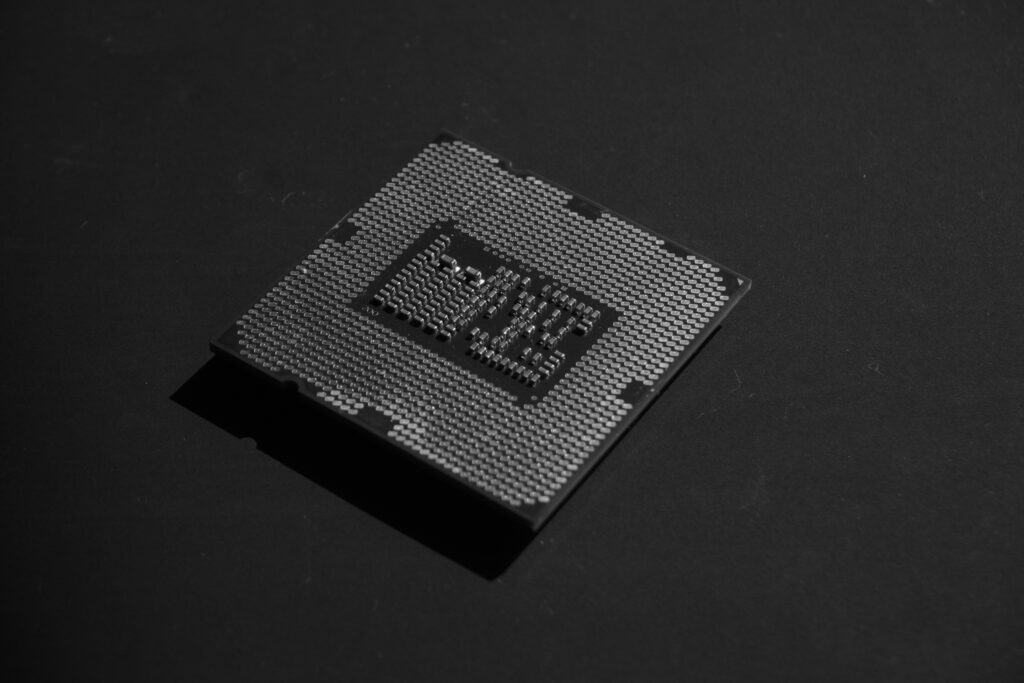
The CPU (central processing unit) is the brain of the system. It handles the game’s logic, AI, physics, and the communication between all the other components. In gaming specifically, the processor influences how smoothly the game runs in CPU-heavy scenarios — large open worlds with many active characters, strategy games with complex simulations, or online multiplayer environments where the system has to process a lot of simultaneous inputs.
For gaming, the most important processor characteristics are clock speed (measured in GHz — higher is generally faster per core) and core count. Modern games are increasingly written to take advantage of multiple cores, but raw single-core performance still matters considerably for the majority of titles. A processor with six to eight cores and a high clock speed covers the current gaming workload very well. Going above eight cores delivers diminishing returns for pure gaming, though it helps if you also stream, edit video, or run other processor-intensive tasks alongside your games.
The two main processor manufacturers — which we will refer to by their product lines rather than brand names to keep this guide brand-neutral — compete closely at every price point. The practical advice is to check benchmark comparisons for the specific models you are considering, at your target budget, rather than defaulting to one name based on past reputation. The landscape shifts with each generation.
The Graphics Card — Where Gaming Performance Mostly Lives
If there is one component that defines a gaming PC’s capability more than any other, it is the GPU (graphics processing unit). The graphics card is responsible for everything you see on screen: rendering the 3D environment, applying textures, calculating lighting and shadows, processing post-processing effects, and outputting the final image to your monitor.
Gaming at 1080p resolution with high settings is achievable with a mid-range graphics card and is the most common target for budget-conscious builds. 1440p represents a meaningful step up in image quality and demands a mid-to-high-tier card to maintain smooth frame rates. Gaming at 4K — where the number of pixels being rendered quadruples compared to 1080p — requires a high-end GPU and comes with a significant price premium. Most first-time buyers are well served by targeting 1080p or 1440p and saving the 4K ambitions for a future upgrade.
The key spec to look at when comparing graphics cards is the VRAM (video memory) — the dedicated memory on the card itself that stores textures, frame buffers, and other graphical data. 8GB of VRAM is the current minimum for comfortable gaming at high settings in modern titles. 12GB or 16GB provides headroom for higher resolutions and more demanding games. The GPU model number indicates the generation and tier — newer generations offer better performance per watt and support for features like ray tracing and AI-assisted upscaling, which can dramatically improve image quality without a proportional hit to frame rate.
RAM and Storage — Speed That You Feel
RAM (random access memory) is the system’s short-term working memory. It holds the data that the processor and graphics card are actively using — the current game state, loaded assets, background processes. For gaming in 2026, 16GB of RAM is the practical minimum for a smooth experience. 32GB gives comfortable headroom for running a game alongside a browser, a Discord call, and other background tasks without any of them competing for resources.
Memory speed matters too, though the effect is more pronounced on some processor platforms than others. DDR5 memory, found in current-generation builds, runs at higher speeds than DDR4 and delivers measurable gaming performance improvements on platforms where the processor is memory-bandwidth sensitive.
Storage affects how quickly games load and how smoothly they stream assets during play. An NVMe SSD (the small M.2 form factor drive that plugs directly into the motherboard) offers dramatically faster load times than a traditional hard drive — the difference between a 30-second loading screen and a 5-second one is often simply the storage type. A 1TB NVMe SSD is a sensible starting point; modern games routinely exceed 50–100GB each, so available space fills up quickly.
Motherboard, Power, and Keeping Everything Cool
The motherboard is the platform that connects every component. It determines which processors and memory are compatible, how many storage drives and expansion cards you can install, and what connectivity options are available (USB ports, Wi-Fi, Bluetooth, audio outputs). For most buyers, the motherboard choice is driven by processor compatibility — once you choose a CPU, the motherboard options narrow to those with the correct socket type.
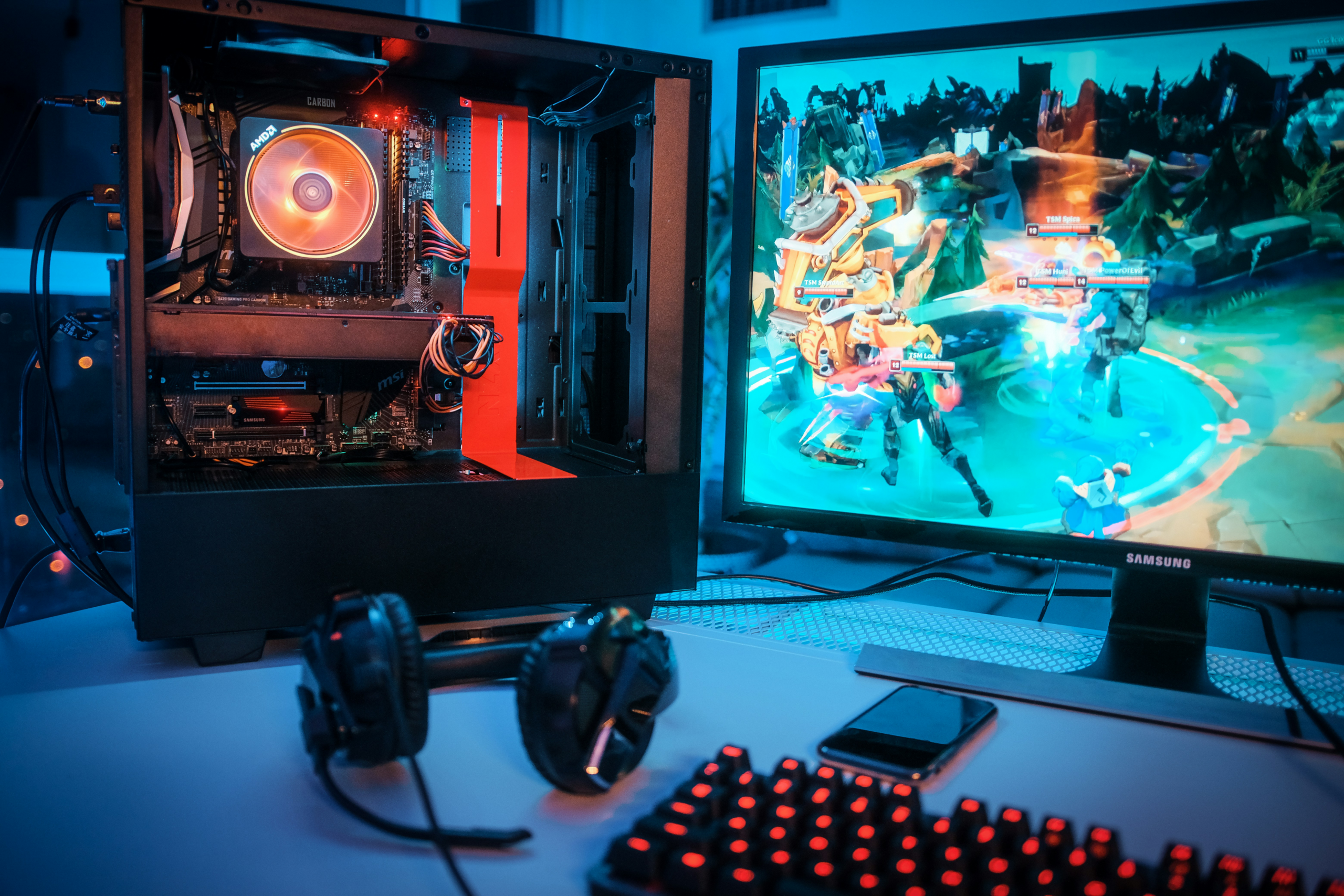
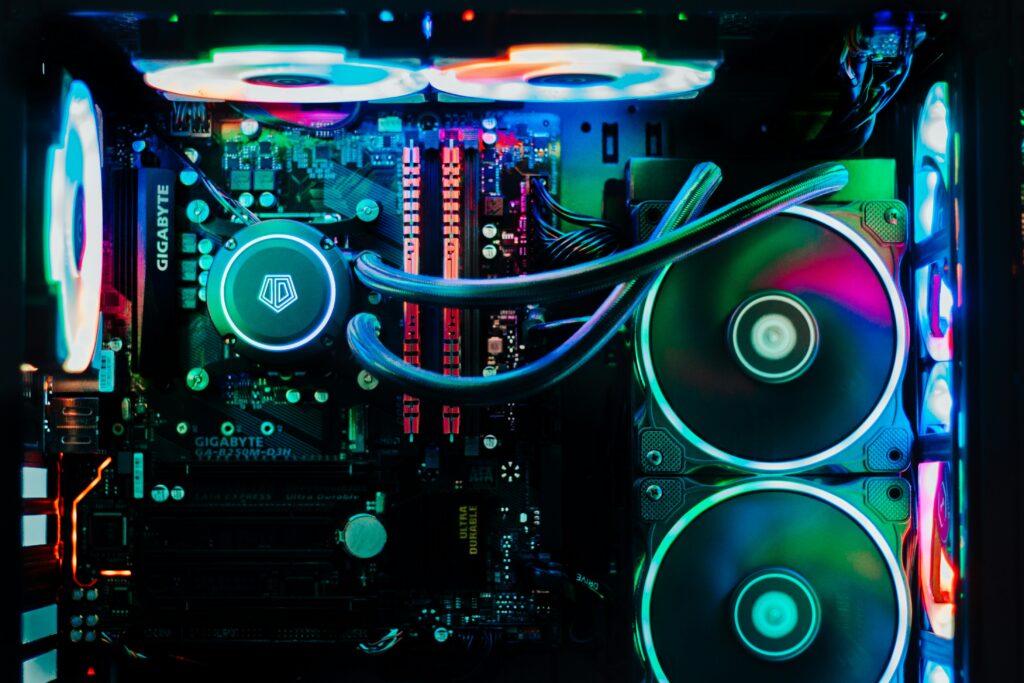
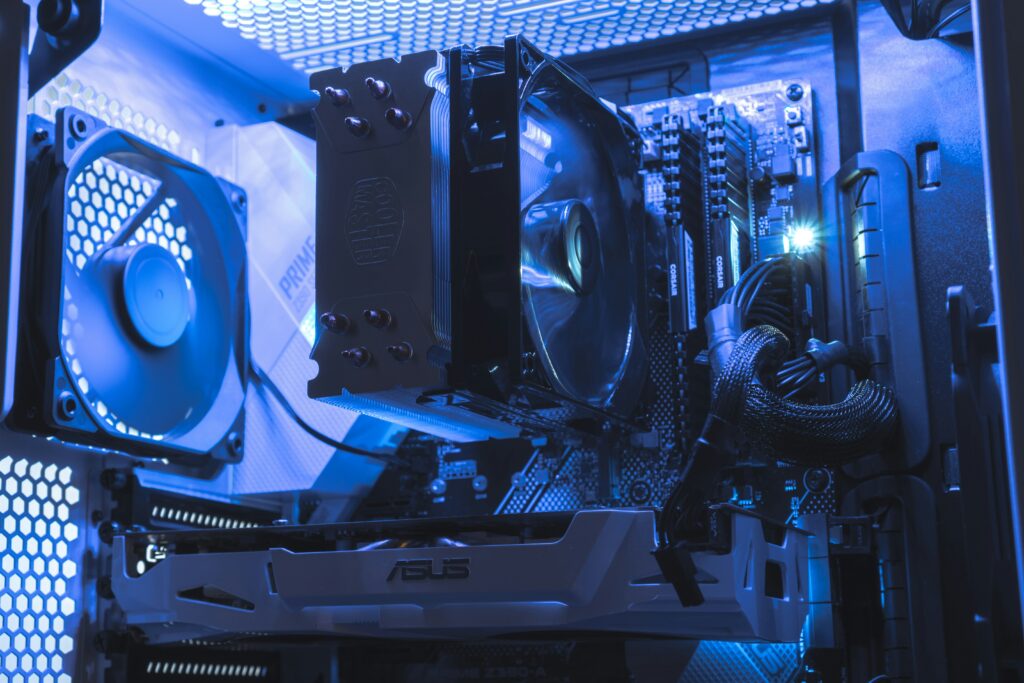
Cooling deserves serious attention in a gaming build. A system running demanding games for several hours generates substantial heat. If that heat is not effectively removed, the processor and graphics card throttle their performance to protect themselves — which means the expensive hardware you paid for is deliberately running slower than it can. The stock cooler that ships with many processors is adequate for moderate use but often insufficient for sustained gaming loads. A quality aftermarket air cooler or an all-in-one liquid cooler keeps temperatures lower, reduces fan noise, and maintains peak performance across long sessions.
The power supply unit (PSU) is not glamorous but is critically important. A low-quality PSU that cannot deliver stable power under load causes crashes, instability, and in worst cases, component damage. Check the total power draw of your chosen components (GPU power consumption is typically the largest variable) and choose a PSU with a wattage rating that gives at least 20% headroom above that figure. A modular PSU — where cables are detachable — makes cable management significantly easier inside the case.
Desktop or Laptop — Two Paths to the Same Games
The question of how to buy a gaming pc is also, for many people, a question of whether to buy a desktop or a laptop. Both can deliver excellent gaming performance; the decision comes down to how and where you use it.
A desktop gaming PC offers better performance per pound at every price point, easier upgradeability, better thermal headroom, and a larger screen when paired with a dedicated monitor. It is the right choice if your gaming happens at a fixed desk and you want the best performance your budget can provide.
A gaming laptop offers the ability to game anywhere — from a sofa, on a trip, at a friend’s place. Modern gaming laptops have closed much of the performance gap with desktops and can run demanding titles at high settings. The trade-offs are battery life (gaming laptops consume power quickly under load and are typically best used plugged in), thermal throttling under sustained loads (laptops have less room for cooling than desktops), and limited upgrade options once purchased.
If portability is genuinely important to you — not just theoretically possible, but something you will actually use regularly — a gaming laptop makes sense. If you will always game at home, a desktop gives you more for your money and more flexibility as hardware evolves.
Buying a computer for gaming with the intent to upgrade it over time strongly favours the desktop. Adding RAM, swapping in a new graphics card, or upgrading storage is straightforward in a desktop and difficult or impossible in most laptops.
The Rest of the Setup — What Surrounds the PC Matters Too
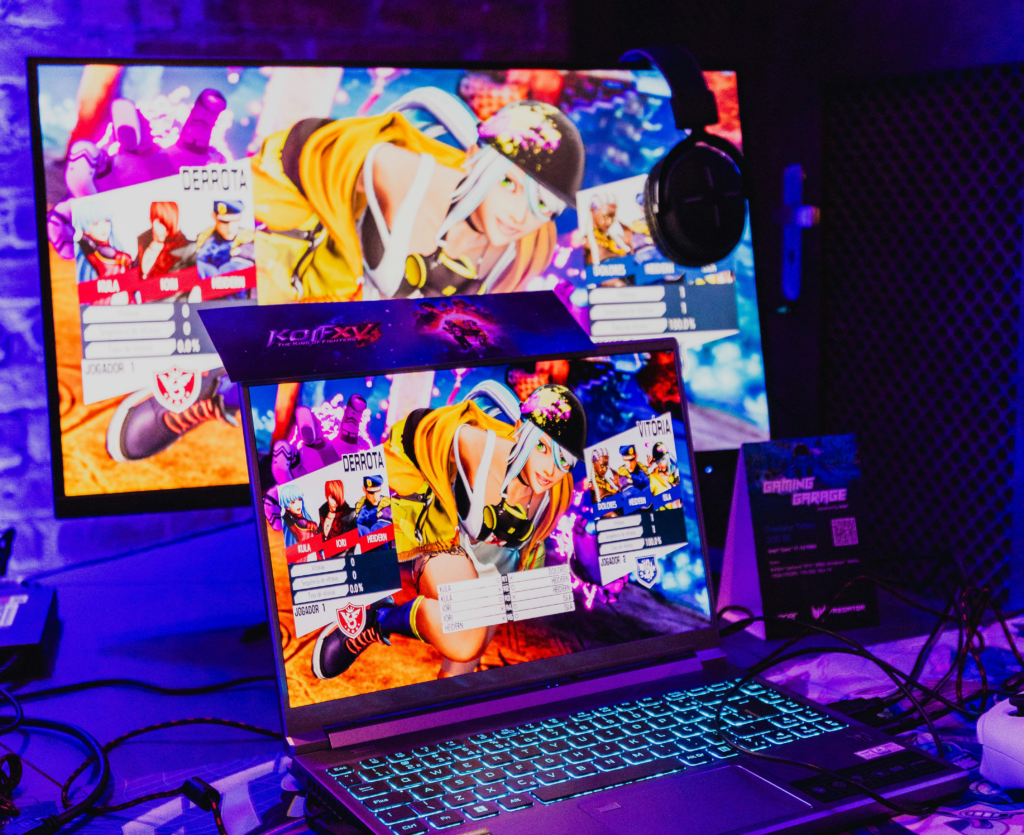
A powerful gaming PC delivers its best results when the surrounding setup is matched to it. The monitor is where the frame rate and resolution you have paid for actually become visible — and a mismatched monitor can render those specifications meaningless.
A monitor’s refresh rate (measured in Hz) determines how many frames per second it can display. A 60Hz monitor shows 60 frames per second regardless of how many the PC is producing. A 144Hz or 165Hz monitor can display up to 144 or 165 frames per second, which produces visibly smoother motion — particularly in fast-paced games. If you are building a system capable of high frame rates, a high-refresh-rate monitor is worth budgeting for alongside the PC itself.
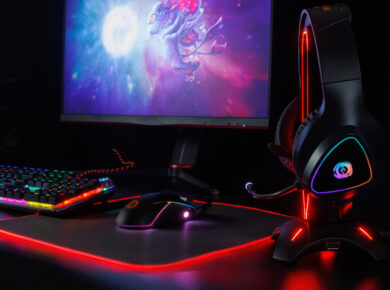
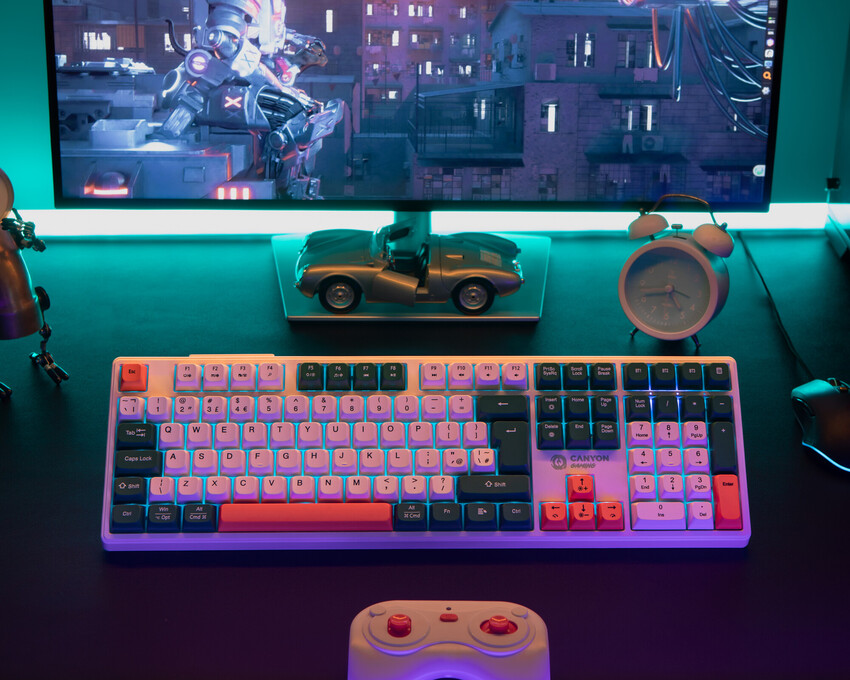
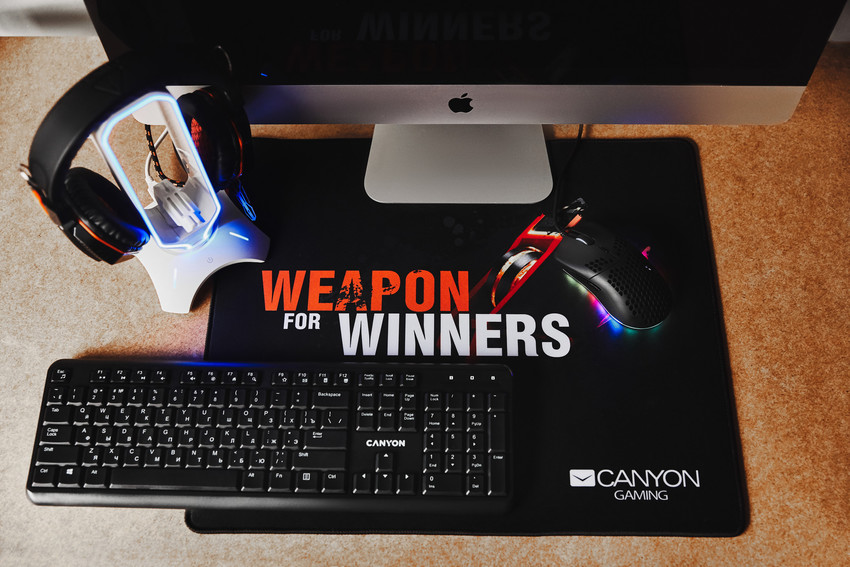
The keyboard and mouse you use affect your gaming experience in ways that are easy to underestimate. A gaming mouse with a high-precision optical sensor and a low-friction glide surface gives you accurate, responsive control. A mechanical keyboard with tactile or linear switches delivers faster, more confident inputs than a membrane keyboard. Canyon produces both — from gaming mice with adjustable DPI and programmable buttons to mechanical keyboards suited to both gaming and general use — at price points that make upgrading your peripherals a natural part of building out a gaming setup.
A gaming headphone or headset completes the audio experience. In competitive games, spatial audio awareness — hearing footsteps, gunshots, or environmental cues before they appear on screen — is a genuine gameplay advantage. Canyon’s gaming headsets are designed to deliver clear positional audio with a comfortable fit for extended sessions.
How to Set a Budget and Stick to It
Understanding what to look for in a gaming pc is only useful if you also have a framework for how much to spend on each part. Here is a practical guide.
For a budget build targeting 1080p gaming at medium-to-high settings, allocating around 40–45% of the total budget to the graphics card, 15–20% to the processor, 10% to RAM, and the remainder to storage, motherboard, cooling, and case is a reasonable starting distribution. The GPU is the single biggest driver of gaming performance and deserves the largest share.
A mid-range build targeting 1440p at high settings should still follow the same allocation logic but at a higher total spend. The jump from a budget to a mid-range GPU is typically where the largest performance improvement occurs.
The price of components fluctuates with new releases and supply cycles. New GPU generations typically arrive every 12–18 months, and the release of a new flagship card often causes the previous generation to drop in price significantly. If your target spec is available at a discount due to a new release cycle, that is often the best time to buy.
One final point on budget: do not cut corners on the power supply or cooling to save money for a faster GPU. A system that throttles under load or crashes during a session is not delivering the performance you paid for, regardless of what the spec sheet says. Stable, reliable components that work together correctly will always outperform a collection of impressive specifications that are improperly cooled or inadequately powered.
 Angelina
 Herzberg