The Accessories That Actually Make a Difference to Your Daily Computing
Buying a computer is usually the starting point, not the finish line. The machine itself handles processing and storage, but everything around it — the devices you touch, the surfaces your peripherals rest on, the way you carry it, the way you charge it — shapes how comfortable, productive, and enjoyable the experience actually is. Some of these additions are obvious. Others are less so, but once you have them, it is hard to imagine going back.
This guide covers the must have computer accessories for both desktop and laptop users: what each one does, why it matters, and what to look for when choosing. The list is practical rather than exhaustive — focused on the things that have a real impact on your daily computing experience rather than accessories that exist mainly for aesthetics or novelty.
Whether you are setting up a workstation from scratch, upgrading a laptop for work and travel, or simply filling in the gaps in an existing setup, this is where to start. Think of it as a curated look at the top pc accessories that genuinely earn their place on a desk or in a bag.
A Mouse Worth Using
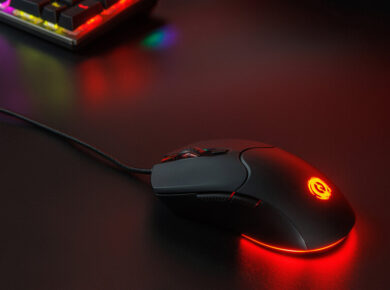
The mouse that came bundled with your computer, or the one you bought without much thought, is probably functional. But “functional” and “good” are different things, and the gap between them becomes clear after a few weeks of daily use.
A quality mouse should feel natural in your hand across a long session. The sensor should track smoothly and accurately without stuttering or acceleration. The buttons should click cleanly without requiring excessive force. The scroll wheel should have a satisfying weight and resistance. None of these qualities are present in the cheap mice that typically ship as bundled accessories, and all of them affect how much physical effort your hand expends over the course of a day.
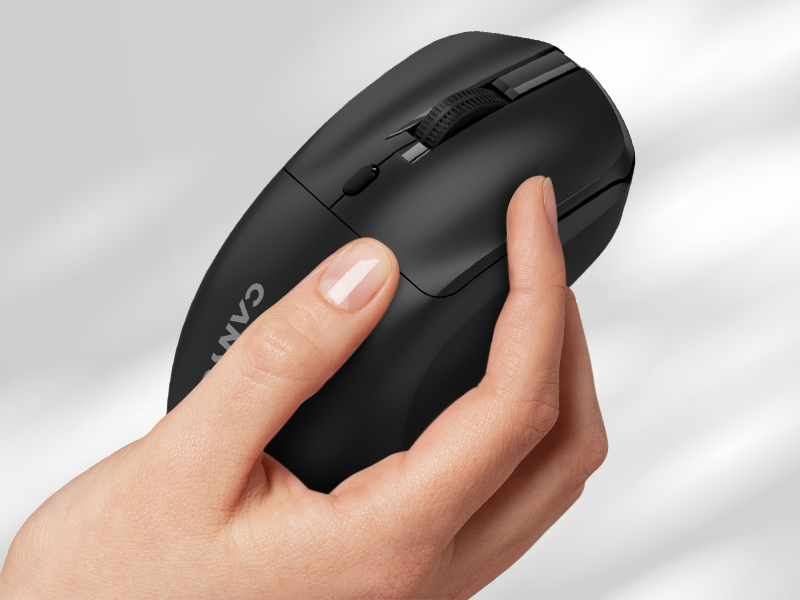
For desktop use, a wired optical mouse with an adjustable DPI setting covers most needs well. For laptop users who move between locations, a compact wireless mouse — Bluetooth or USB receiver — reduces cable clutter and travels easily. Canyon produces mice across both categories, from straightforward wired office mice to wireless models with silent clicks for shared spaces and ergonomic designs that reduce wrist fatigue over extended sessions. If there is one accessory on this list that rewards a bit of extra spending, it is the mouse — because you interact with it more than almost anything else on your desk.
A Keyboard That Matches How You Actually Type
The keyboard situation for most computer users falls into one of two categories: the flat membrane keyboard that came with the computer, or nothing at all (for laptop users who rely on the built-in keys). In both cases, an upgrade tends to be overdue.
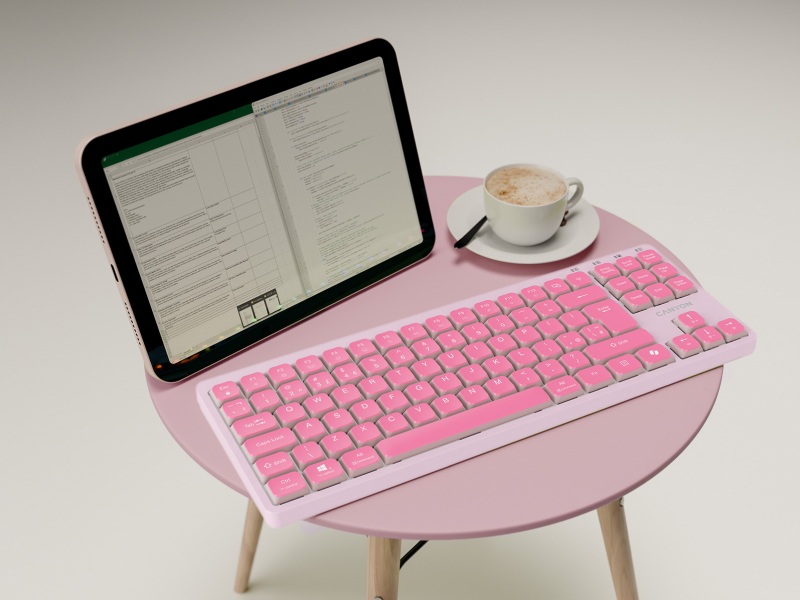
Mechanical keyboards are the most discussed upgrade in this category, and with good reason. The physical feedback from each keystroke — whether a tactile bump, an audible click, or a smooth linear press depending on the switch type — gives a sense of control and precision that membrane keyboards cannot replicate. This matters for typing accuracy, for gaming, and for the general satisfaction of sitting down to work at a keyboard that responds well.
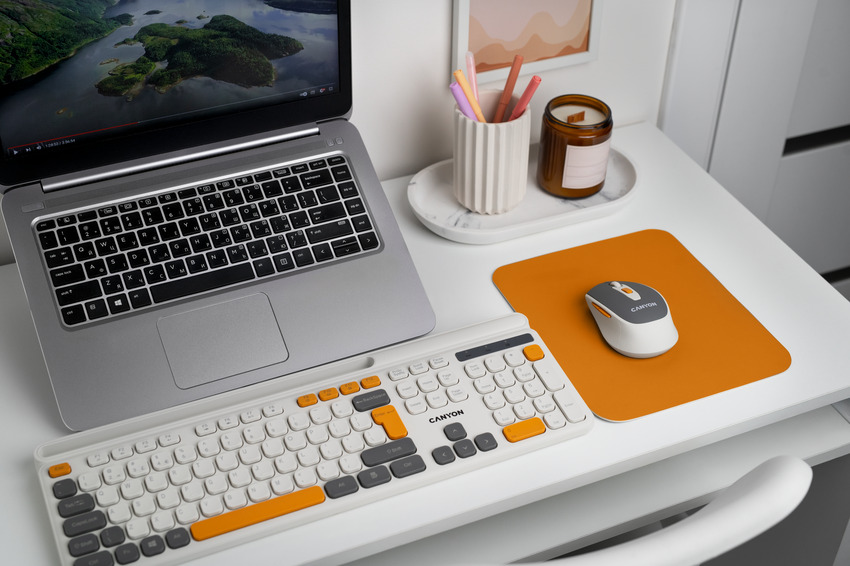
For laptop users who type extensively at a desk, a separate mechanical keyboard paired with a laptop stand (so the screen is at eye level) is a setup that dramatically improves both comfort and typing quality. Canyon’s keyboard range includes compact and full-size mechanical options, as well as wireless keyboards for clean, cable-free setups. The compact TKL (tenkeyless) format — which omits the number pad — is a popular choice for desk setups where mouse space is at a premium.
A Mousepad With More to Offer Than You Expect
A mousepad might seem like the least interesting item on this list, but it has a more direct effect on mouse performance than most people realise. A consistent, well-made mousepad surface allows the mouse sensor to track accurately and smoothly, without the inconsistencies that occur on uncoated wood, glass, or irregular desk surfaces.
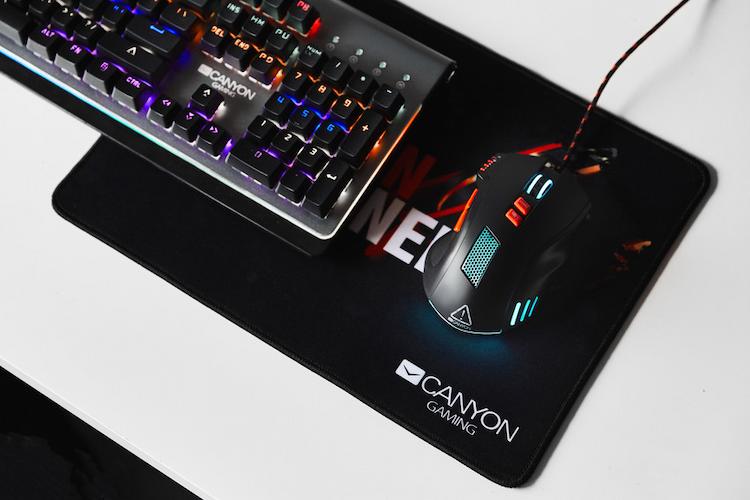
Size matters considerably. A standard small mousepad works for office use with a high-sensitivity setting. A larger extended pad — sometimes called a desk mat — covers both the keyboard and mouse area, keeps the desk surface uniform, protects it from scratches, and gives enough room for low-sensitivity mouse movements, which many gamers and designers prefer.
Canyon produces both standard gaming mousepads with optimised textile surfaces and charging mousepads that integrate a wireless charging pad for a smartphone. The charging version is a particularly smart solution for anyone who keeps their phone on the desk while working — it removes one more cable from the equation and keeps the phone topped up passively throughout the day.
A Laptop Cooling Pad for Sustained Performance
Laptops are thermally constrained by design. The slim profiles that make them portable also limit airflow, which means the processor and graphics chip generate heat faster than it can be removed. Under sustained load — a long video editing session, an extended gaming run, a large data processing task — this causes the laptop to throttle its performance to prevent overheating. The result is slower processing exactly when you need the most from the machine.
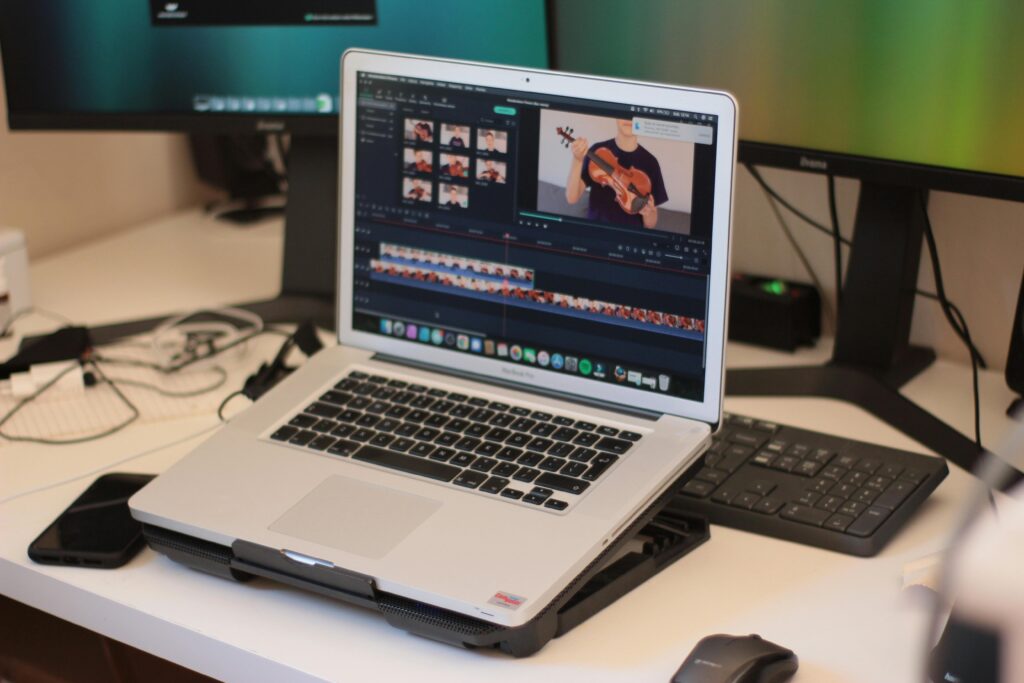
A laptop cooling pad addresses this by placing additional fans beneath the laptop’s ventilation area, drawing cooler air across the base and improving the overall thermal picture. The reduction in internal temperatures — often 5–10°C under load — is enough to maintain sustained performance that would otherwise be throttled, and it noticeably reduces the heat you feel on the underside of the laptop during use.
Cooling pads are also useful simply as laptop stands. Elevating the laptop to a better typing and viewing angle is ergonomically helpful on its own, and most cooling pads include adjustable tilt and height settings. Canyon’s cooling pads combine effective airflow with a stable, adjustable platform and USB-powered fans that draw power from the laptop itself — requiring no separate power source.
A Laptop Bag That Protects Without Compromise
If you carry your laptop regularly, a good bag is not optional — it is protection for an expensive piece of hardware that represents a significant portion of your daily work and personal data. A laptop jostled against hard surfaces in an inadequate bag, or carried in a backpack without a padded sleeve, is a laptop that will eventually show the consequences.
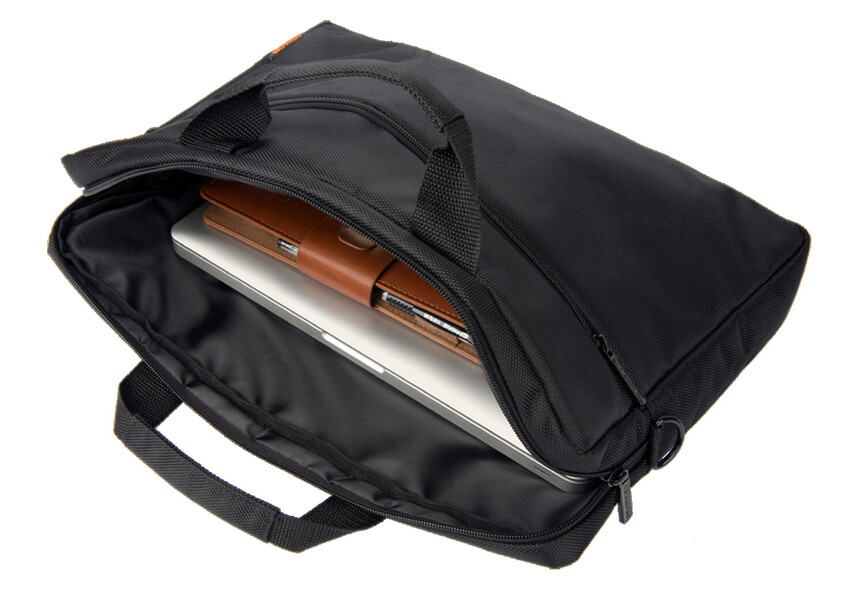
A purpose-built laptop bag or sleeve provides structured padding around the device, a secure compartment that holds it in place during movement, and typically additional organisation for the accessories that travel with it — charger, cables, mouse, headphones. This organisation matters more than it seems: a bag where everything is loose quickly becomes a bag where nothing is findable, which is its own frustration when you are moving between meetings or working from a café.
Canyon’s laptop bags cover the range from slim protective sleeves for users who pack light to full-featured backpacks with multiple compartments, water resistance, and dedicated pockets for everything from charging cables to a water bottle. For users whose work involves moving between a home setup and an office, a well-chosen bag is among the most practically important accessories for laptop users on this list.
A USB Hub for Expanding What Your Computer Can Connect
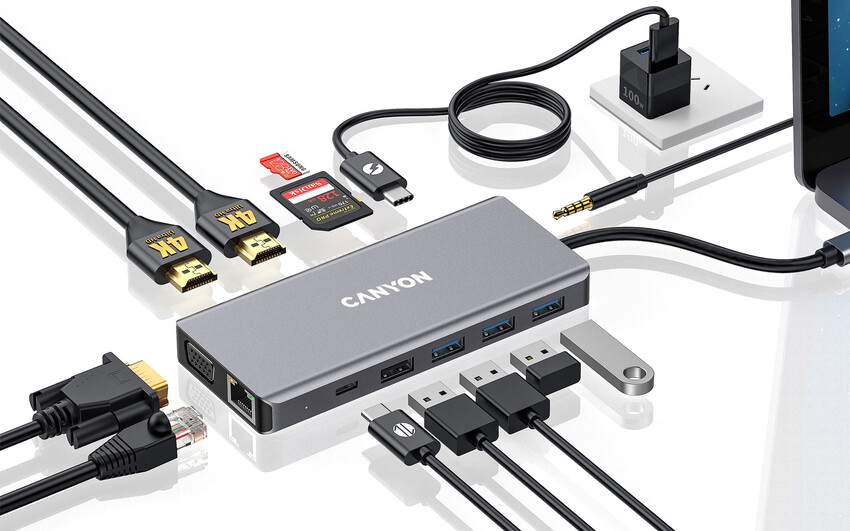
Modern laptops, in their push toward thinness, have progressively reduced their port selection. Many current ultrabooks ship with two or three USB-C ports and nothing else — no USB-A, no HDMI, no SD card slot. For users with a monitor, external storage, a wired mouse, a keyboard, and a card reader to connect simultaneously, this is a significant practical limitation.
A USB hub — specifically a USB-C multiport hub or docking station — solves this by converting a single USB-C port into a full array of connections. A quality hub typically provides multiple USB-A ports for standard peripherals, USB-C with Power Delivery pass-through so the laptop can charge through the hub, HDMI or DisplayPort output for a monitor, an SD card reader, and sometimes an Ethernet port for wired network connections.
The device becomes particularly important for anyone working at a fixed desk with a monitor and multiple peripherals — connecting and disconnecting a single hub cable when you sit down or leave is far simpler than connecting five cables individually. Among all the accessories for desktop computer and laptop users, a USB hub consistently delivers the highest return in convenience relative to its cost. Canyon’s USB hub range includes compact travel-sized options and full desk docking stations, covering both the portable user who occasionally needs more ports and the desk-based user who wants a permanent, connected workstation.
A Webcam for Professional Video Quality
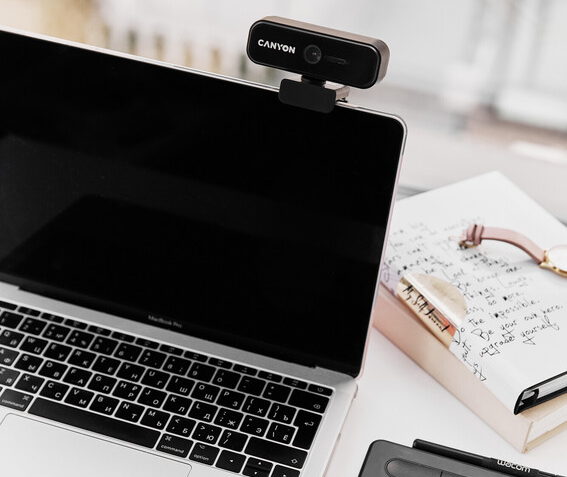
The built-in cameras on most laptops are optimised for the minimum viable size, not for image quality. They produce grainy, poorly exposed video in anything other than perfect lighting, and they are positioned wherever the laptop design allows — often at an unflattering angle or at a resolution that makes you appear blurry and indistinct on screen.
For anyone whose work involves regular video calls, an external webcam is one of the most visible and immediately impactful upgrades available. The improvement in image clarity, colour accuracy, and low-light performance is apparent to everyone on the call — not just to you. It signals professionalism and attention to the quality of your communication.
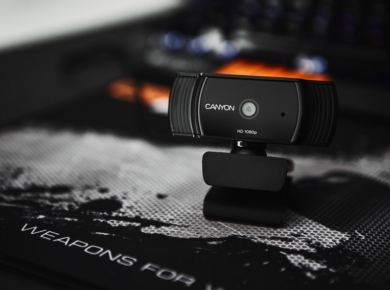
Canyon’s webcam range spans 1080p to 4K options, with features including built-in privacy shutters, integrated ring lights for consistent illumination, noise-filtering microphones, and wide-angle lenses for capturing more of your environment. A webcam is a particularly good computer accessory for remote workers, freelancers, and anyone who presents or teaches online — it is one of those upgrades where the return is immediate and obvious.
A Headset or Headphones for Focus and Communication
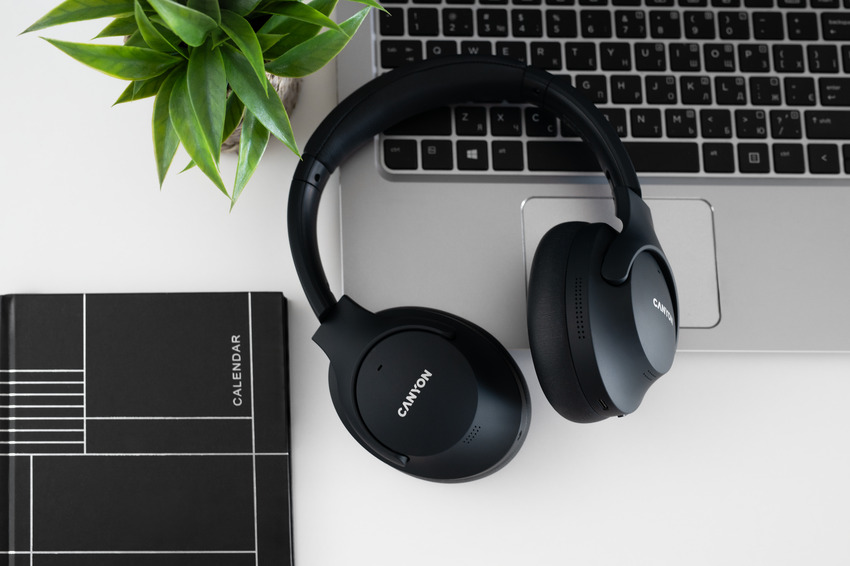
Good audio matters for two distinct reasons in a computing setup: communication and concentration. A headset with a quality microphone ensures that people on the other end of a call hear you clearly — without background noise, without the echoey quality of a built-in laptop microphone that picks up the whole room, and without the volume fluctuations that happen when you move your head. A quality pair of headphones, meanwhile, allows you to focus in a noisy environment by creating an audio space of your own.
Noise cancellation — either passive (physical isolation from well-fitting ear cups) or active (electronic cancellation of ambient sound) — is the feature worth prioritising if your work environment is shared or unpredictable. Passive isolation is sufficient for moderate noise; active noise cancellation is the technology to look for if you regularly work in open-plan offices, cafés, or other busy spaces.
Canyon produces both over-ear headphones for immersive listening and gaming headsets with retractable microphones, covering both the work-from-home professional who needs clear call audio and the gamer who needs positional sound and voice communication. If you have used a basic speaker or laptop audio for calls and music until now, the step up to a dedicated headset is one of the most noticeable improvements you can make. Read any user review in this category and the same point comes up consistently: people wish they had made the switch sooner. Wireless models in the range use Bluetooth 5.0 for a stable, low-latency connection that works across the full range of a typical room.
A Charging Station for a Cable-Free Desk
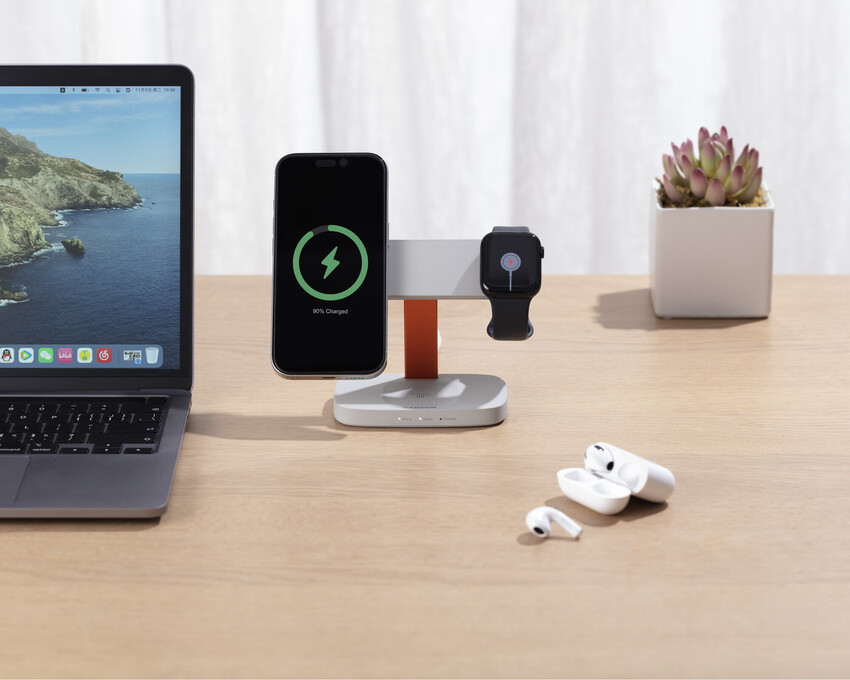
The number of devices that need regular charging has grown steadily — a phone, wireless earbuds, a smartwatch, a tablet, and possibly a wireless mouse and keyboard as well. Each of these arriving with its own cable and charger creates the kind of desk chaos that makes even a tidy workspace look cluttered.
A multi-device charging station is the most direct solution: a single unit with multiple USB-A and USB-C ports, often combined with a wireless charging pad, that handles all of these devices from a single power outlet. You set the devices down, they charge, and the desk surface stays clear. Some stations support Power Delivery on one or more ports, which means they can fast-charge a laptop alongside everything else.
This is a station that works hardest when it is always on and always in the same place — your fixed charging point at the end of the day. Canyon’s charging hubs are compact enough to sit on the corner of a desk without imposing, and powerful enough to charge multiple devices simultaneously at meaningful speeds.
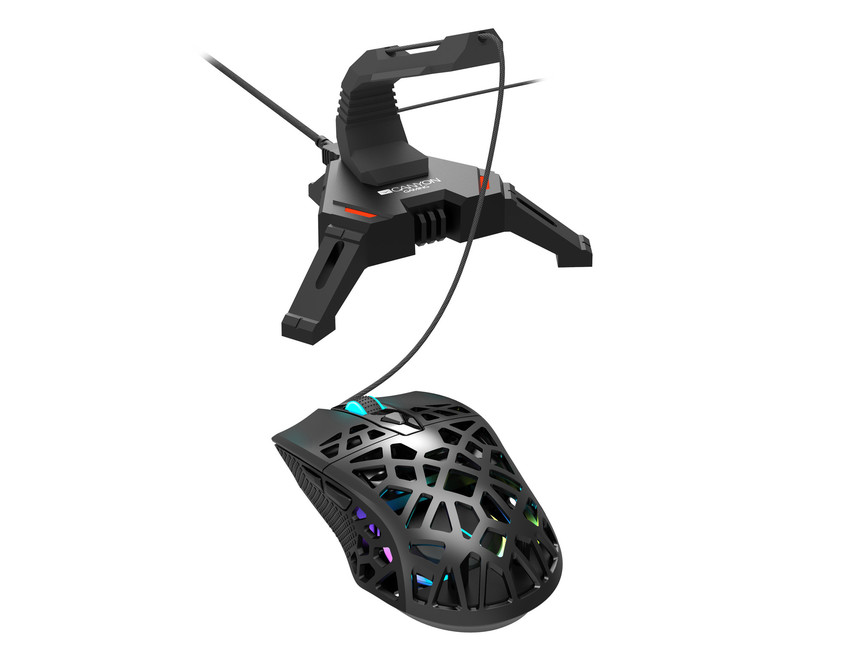
A Mouse Bungee for Wired Gaming Performance
This one is for the wired gaming mouse users specifically. A mouse bungee is a small desktop device with a spring arm that holds the mouse cable elevated off the desk surface, so it never creates drag or resistance as the mouse moves. It sounds like a minor detail — and for casual use, it is. But for gaming, where fast and precise mouse movements are the difference between a hit and a miss, the resistance of a cable dragging across the desk is a genuine irritant that a bungee eliminates instantly.
Canyon produces mouse bungees designed to work with any wired mouse. The spring arm keeps the cable at a consistent height and tension, and the weighted base stays firmly in place without needing to be fixed to the desk. For anyone who games with a wired mouse and has not tried a bungee, it is the kind of inexpensive upgrade that feels immediately worth it.
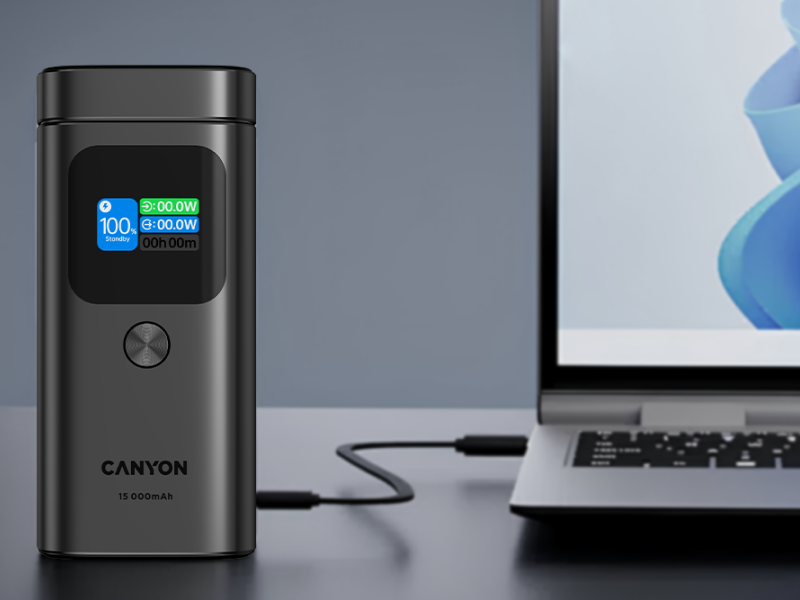
Power Banks for Laptop and Device Charging on the Go
A power bank used to mean something for charging a phone. Modern high-capacity power banks are capable of charging laptops — some can deliver 65W or more via USB-C Power Delivery, which is enough to charge many ultrabooks at full speed. For anyone who spends time in locations without reliable access to power outlets — airports, trains, co-working spaces, outdoor meetings — a capable power bank is a significant practical upgrade over hoping for a nearby socket.
The key specification to check is output wattage on the USB-C port. 45W covers most ultrabooks and smaller laptops. 65W covers a wider range of laptops including thicker models. 100W covers virtually everything including high-performance laptops. Battery capacity, measured in mAh or Wh, determines how much total energy is available — a larger capacity means more charges before the bank itself needs recharging.
Canyon’s power bank range includes high-capacity models with USB-C PD output suitable for laptop charging alongside the usual phone and tablet ports. For the mobile worker who needs their setup to work wherever they are, a good power bank completes the picture.
Cables: The Detail Everyone Forgets Until They Need It
A brief but important note on cables. The cable situation in most computing setups is a slow accumulation of whatever came in the box with each device — a mix of lengths, standards, and connectors that does not serve any particular purpose well. The result is usually too many short cables, not enough long ones, and an inevitable moment of frustration when the one cable you need is the one you do not have.
A small investment in quality cables of the right lengths — a 2-metre USB-C cable for the desk, a shorter one for the bag, a good quality HDMI cable for the monitor — resolves most of these frustrations once and for all. Cable management clips, Velcro ties, and under-desk raceways are inexpensive and transform the appearance and organisation of a wired setup.
Canyon produces cables across USB-C, USB-A, HDMI, and other standards — including high-speed options that support the full data transfer rates and power delivery specifications the connectors are designed for, rather than cheap alternatives that technically fit the port but underperform at the capabilities you need.

Building a Setup That Works for You
The accessories listed here represent the full picture of what a well-equipped computing setup looks like — whether that is a fixed desk workstation, a mobile laptop setup, or a gaming corner. None of them need to be purchased all at once. The more useful approach is to identify the specific friction points in your current setup and address those first.
If you are constantly frustrated by a slow or imprecise mouse, start there. If your laptop overheats on long tasks, the cooling pad is the priority. If your desk looks like a cable explosion, the charging station and cable management are the obvious next steps. Each individual improvement in pc must have accessories pays back daily, which makes even the small purchases worth making sooner rather than later.
Canyon’s catalogue covers the full range of accessories described in this guide — from mice, keyboards, and headsets to USB hubs, webcams, cooling pads, power banks, and charging stations — with clear specifications and a range of options at different price points. Good computer accessories do not need to be expensive. They need to be the right fit for how you actually work, what you actually carry, and what you actually find yourself wishing for when they are not there.
 Tatyana Ryzhova


 Angelina