Looking for a charger that actually keeps up with your devices? See Canyon’s PD and QC 3.0 wall chargers here.
Fast charging comes in two competing standards. QC and PD are not interchangeable. One belongs to a single chip maker. The other belongs to an entire industry. That distinction decides which charger actually speeds up which device. Buy the wrong one and a “fast charger” charges at ordinary speed. Buy the right one and a laptop can top up in under an hour.
How Fast Charging Works (A Quick Primer)
A basic USB port sends a fixed 5 volts at low current. That’s why an old charger can take three hours to fill a modern phone’s battery.
Fast charging replaces that fixed signal with a conversation. The charger and the device exchange information before any real power flows. The device states how much voltage and current it can safely accept. The charger answers with what it can supply. Both sides settle on a match, and only then does full power flow.
Two standards run this conversation: Qualcomm’s Quick Charge and the USB Implementers Forum’s Power Delivery. Both exist to solve the same problem: too many phones, too little patience, too few standard chargers fast enough to keep up.
Battery capacity has grown steadily over the past decade, but nobody wants to wait longer to use a bigger battery. Chargers had to get smarter, not just stronger, to close that gap. That pressure is what pushed both Qualcomm and the USB-IF to build a negotiation step into charging in the first place.
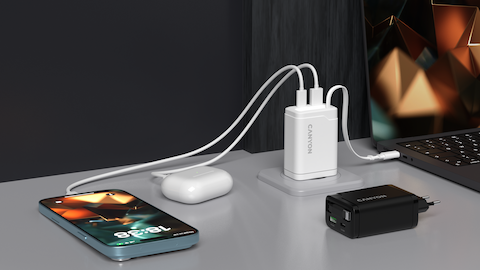
Manufacturers also chase efficiency, not just speed. Modern GaN (gallium nitride) chargers run both protocols while staying cool and compact, which is why so many current wall adapters, Canyon’s included, have shrunk to the size of a matchbox while pushing out more power than bricks twice their size a few years ago.
What Is Qualcomm Quick Charge (QC)?
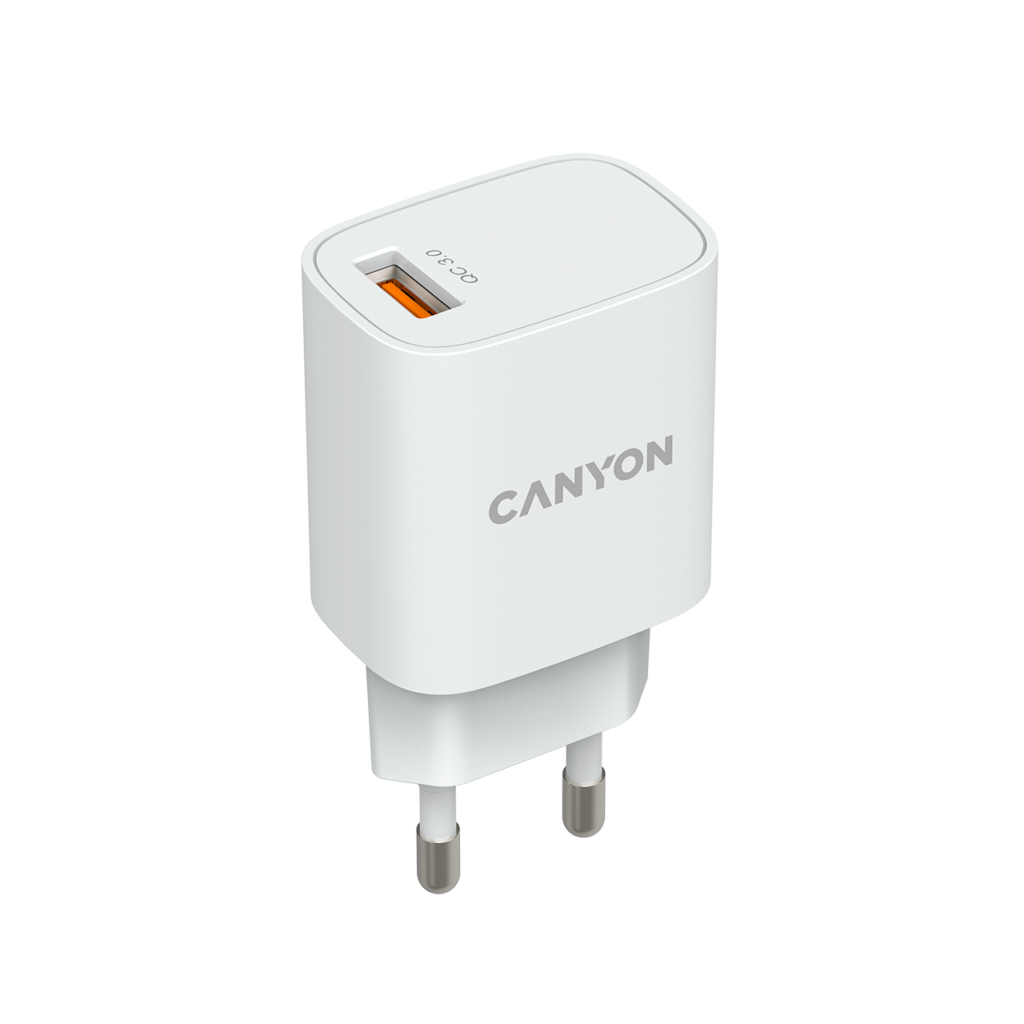
So what does QC stand for? Simply, Quick Charge. It’s Qualcomm’s proprietary fast-charging protocol, built into Snapdragon chipsets since 2013.
QC speeds up charging by raising voltage in defined steps, typically between 3.6V and 20V, while current stays close to constant. The phone’s chipset tells the charger exactly which step to use, and the charger adjusts within milliseconds.
The standard has moved through several generations, each one narrower and safer than the last. QC 2.0 introduced multiple voltage tiers. QC 3 (3.0) narrowed those tiers to 200mV steps, cutting heat and energy waste along the way. QC 4 and QC 4+ added USB-C safety checks, dual-charge circuitry, and partial USB PD compatibility. QC 5, the current flagship version, pushes past 100W and can, under lab conditions, refill a battery to 50% in about five minutes.
QC shows up almost exclusively on Android phones and power banks built around Qualcomm hardware. A charger without QC support simply falls back to slower, standard charging on those devices, even if the cable and port look identical.
One quirk worth knowing: early QC generations worked over the older USB-A connector, not just USB-C. That’s why some budget power banks still advertise “QC 3.0” on a USB-A port. Newer QC 4+ and QC 5 hardware has largely moved to USB-C alongside PD.
Safety sits underneath all of this. Qualcomm calls its thermal-balancing system INOV (Intelligent Negotiation for Optimum Voltage); it constantly rechecks cable resistance and temperature, then dials voltage back the moment either one climbs too high. That’s the same mechanism that lets a QC-charged phone sit at 30W without the casing turning hot to the touch.
What Is USB Power Delivery (PD)?
PD comes from a different world entirely. The USB Implementers Forum designed it as an open, hardware-agnostic standard, not a single company’s feature bolted onto a chip.
A PD fast charge negotiation happens over a USB-C cable in well under a second. Charger and device trade a list of supported power profiles, then lock in the highest one they share. Neither side needs a Qualcomm chip to take part.
If you’re wondering what is PD fast charge in plain terms, think of it as a shared language rather than a brand feature. Any PD charger can talk to any PD device: phone, laptop, tablet, or monitor, regardless of who built either end.
PD 3.0 added Programmable Power Supply (PPS), which adjusts voltage in small increments instead of fixed jumps, for less heat and better long-term battery health. PD 3.1 went further with Extended Power Range (EPR), unlocking up to 240W for gaming laptops and workstations that used to need a bulky separate power brick.
Apple’s iPhones, iPads, and MacBooks all run on PD, and have since USB-C reached the iPhone lineup. So do most current Android flagships and virtually every USB-C laptop sold today, from ultrabooks to gaming rigs.
PD 3.1 also introduced Adjustable Voltage Supply (AVS), a laptop-focused sibling to PPS. AVS lets a charger sweep through the higher EPR voltage range in 100mV steps instead of jumping between fixed levels, which matters most for gaming laptops that swing between light web browsing and a maxed-out GPU load in seconds.
Once the PD charging meaning behind those three letters clicks, the rest of this comparison gets a lot simpler: PD is the universal language, and QC is a Qualcomm-specific dialect that also happens to understand a bit of PD.
PD vs QC: The Key Differences
In a PD charger vs Quick Charge matchup, the real question isn’t which technology is newer. It’s which one matches the hardware sitting on your desk.
| Feature | Quick Charge (QC) | Power Delivery (PD) |
| Owner | Qualcomm (proprietary) | USB-IF (open industry standard) |
| Connector | USB-A or USB-C | USB-C only |
| Max output | 100W+ with QC 5 | Up to 240W with PD 3.1 EPR |
| Works best with | Android phones with Snapdragon chips | Phones, tablets, laptops, monitors |
| Negotiation | Fixed voltage steps | Full voltage/current negotiation (PPS, AVS) |
| Cross-compatibility | Talks to USB PD PPS since QC 4 | Universal, chip-agnostic |
Ownership sets the tone for everything else. QC belongs to Qualcomm and only ships in devices that license Qualcomm’s fast-charging silicon. PD belongs to no single company; any manufacturer can build it into any USB-C product, which is exactly why it spread so much further, so much faster.
Power ceilings tell a similar story. QC tops out around 100W or a little more with QC 5. PD scales all the way to 240W once EPR and the right cable are in play, comfortably covering laptops that QC was never designed to touch.
The QC vs PD debate really comes down to scope, not raw speed at the low end. QC squeezes extra performance out of Qualcomm phones specifically. PD scales from a pair of wireless earbuds to a 16-inch gaming laptop on one shared protocol.
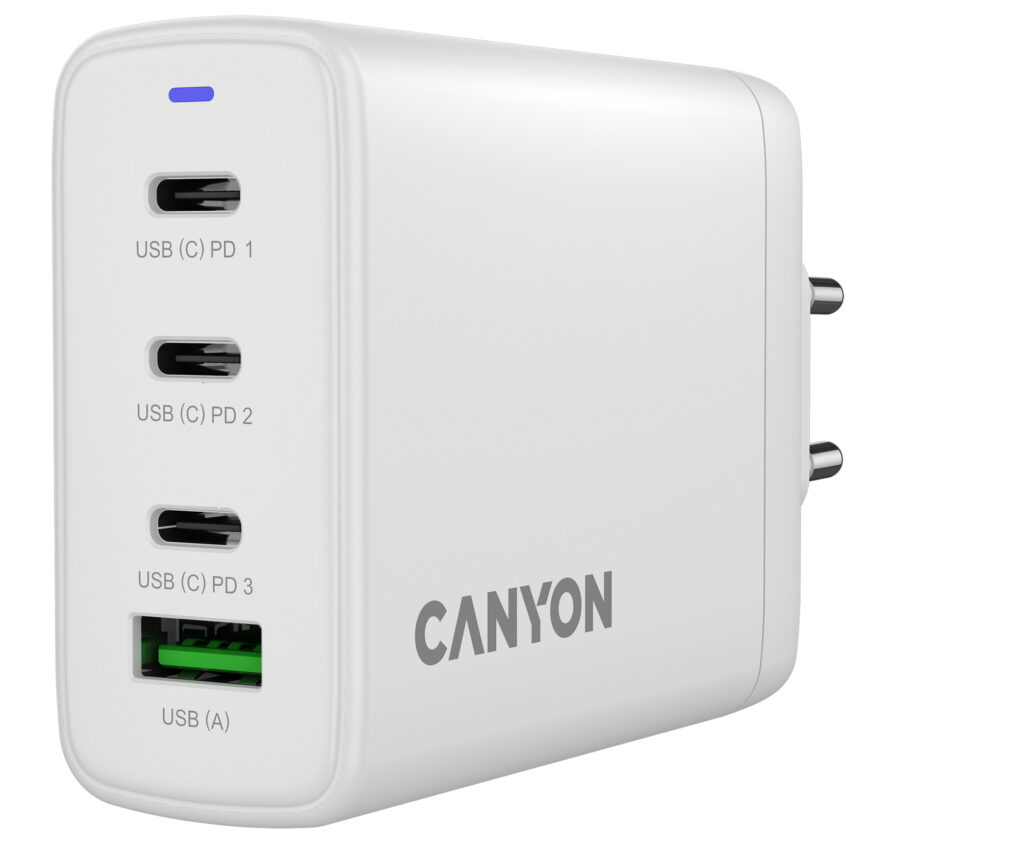
Most current chargers, including several Canyon models, support both standards in a single unit. That kind of adapter charges a Snapdragon phone at full QC speed and an iPhone or laptop at full PD speed from the same two ports, with no swapping bricks required.
How to Choose the Right Charger
Match the charger to the device you own, not to the biggest number printed on the box.
For Android smartphones, check whether the chipset is Qualcomm-based first; the phone’s settings or spec sheet will usually name the Snapdragon model. A QC 3.0-or-newer charger, or one that also supports PD with PPS, covers most Snapdragon phones released in the past five years.
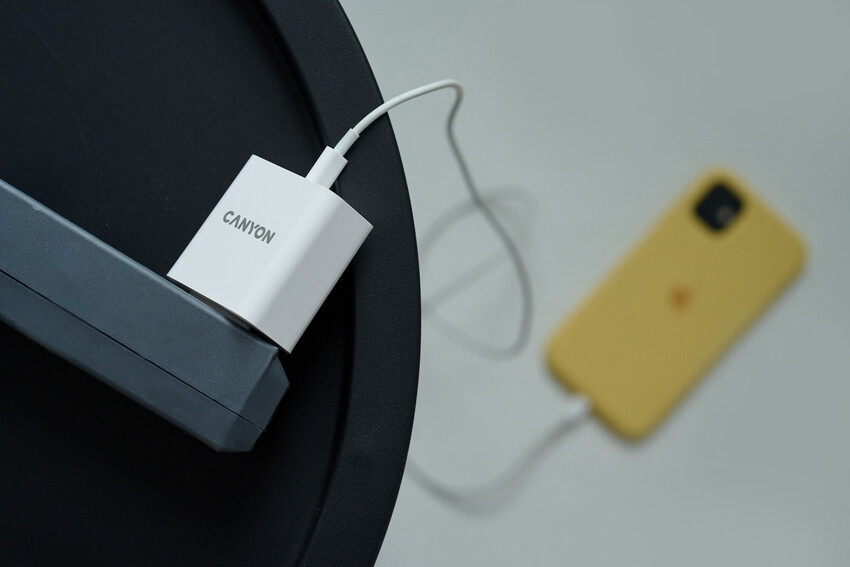
For Apple devices, skip QC altogether, since iPhones and iPads only speak PD. Look for a PD-certified charger rated at 20W or higher for a phone; iPad Pro models charge fastest above 30W, and older iPads are happy with less.
For laptops and tablets, check the device’s rated input wattage before buying anything. A 65W PD charger comfortably covers most ultrabooks. Gaming laptops rated above 140W need a PD 3.1 EPR charger paired with a properly rated 240W cable, or the machine will charge slower than it drains under heavy load.
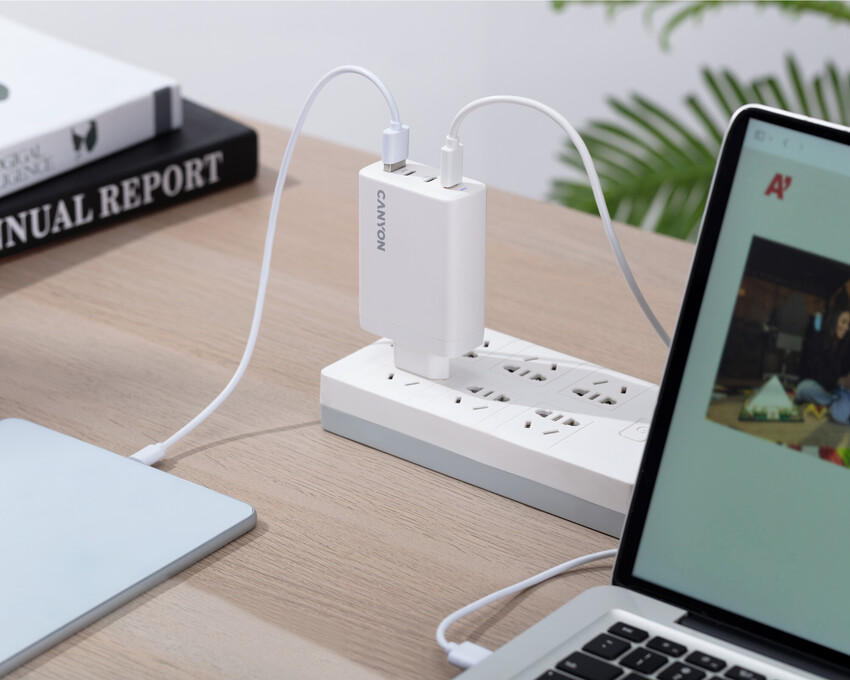
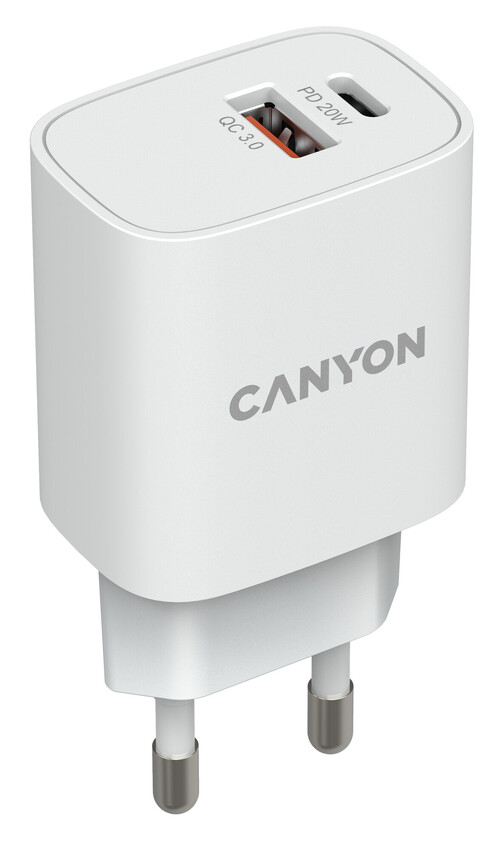
For a household with mixed devices, a dual-protocol wall charger removes the guesswork entirely. Canyon’s PD & QC 3.0 wall adapters are a practical example: one port serves the Snapdragon tablet, the other serves the iPhone, and nobody has to remember which brick belongs to which device.
Reading the box helps more than reading the marketing copy. A genuine PD charger carries the official USB-C Power Delivery logo, plus a wattage figure like “PD 20W” or “PD 65W” printed near the output port. A genuine QC charger carries Qualcomm’s own Quick Charge badge along with a version number, such as “QC 4+” or “QC 5.0”. Chargers that support both simply print both marks side by side, usually right above the port they belong to.
A few habits help either standard last longer. Use the cable that came with the charger, or one rated for the same wattage; underrated cables cap the speed regardless of what the charger can deliver. Avoid stacking a phone case and charger under a blanket or pillow while it fast-charges, since heat is the main stress factor for any lithium battery, PD or QC alike. And don’t assume a higher wattage number always means a faster charge for your specific phone; most smartphones cap their own intake well below what a laptop-grade charger can supply.
A few questions come up often enough to answer directly.
Can a PD charger power a QC-only device? Yes, at standard USB speed, since PD chargers still supply the basic 5V that every USB device expects. The phone simply won’t reach QC-level speeds without a QC-capable charger on the other end.
Can a QC charger damage a PD-only phone, like an iPhone? No. Both standards start every connection at the same safe default voltage, and neither device accepts power it hasn’t explicitly requested. Worst case, charging just stays at standard speed.
Does a higher wattage number always mean faster charging? Not necessarily. A phone that caps its own intake at 25W won’t charge any faster on a 100W charger than on a well-matched 30W one; the extra headroom only matters if you plan to charge a laptop from the same adapter.
Picking between PD and QC rarely means giving something up. Check the chipset in your main device, check the charger’s printed specs, and lean toward a dual-protocol adapter if your household mixes an iPhone with an Android phone or two. That one habit solves the fast-charging question for good.